
Ask while the visit is still fresh.
Add a review prompt to the digital receipt your customer already opened.
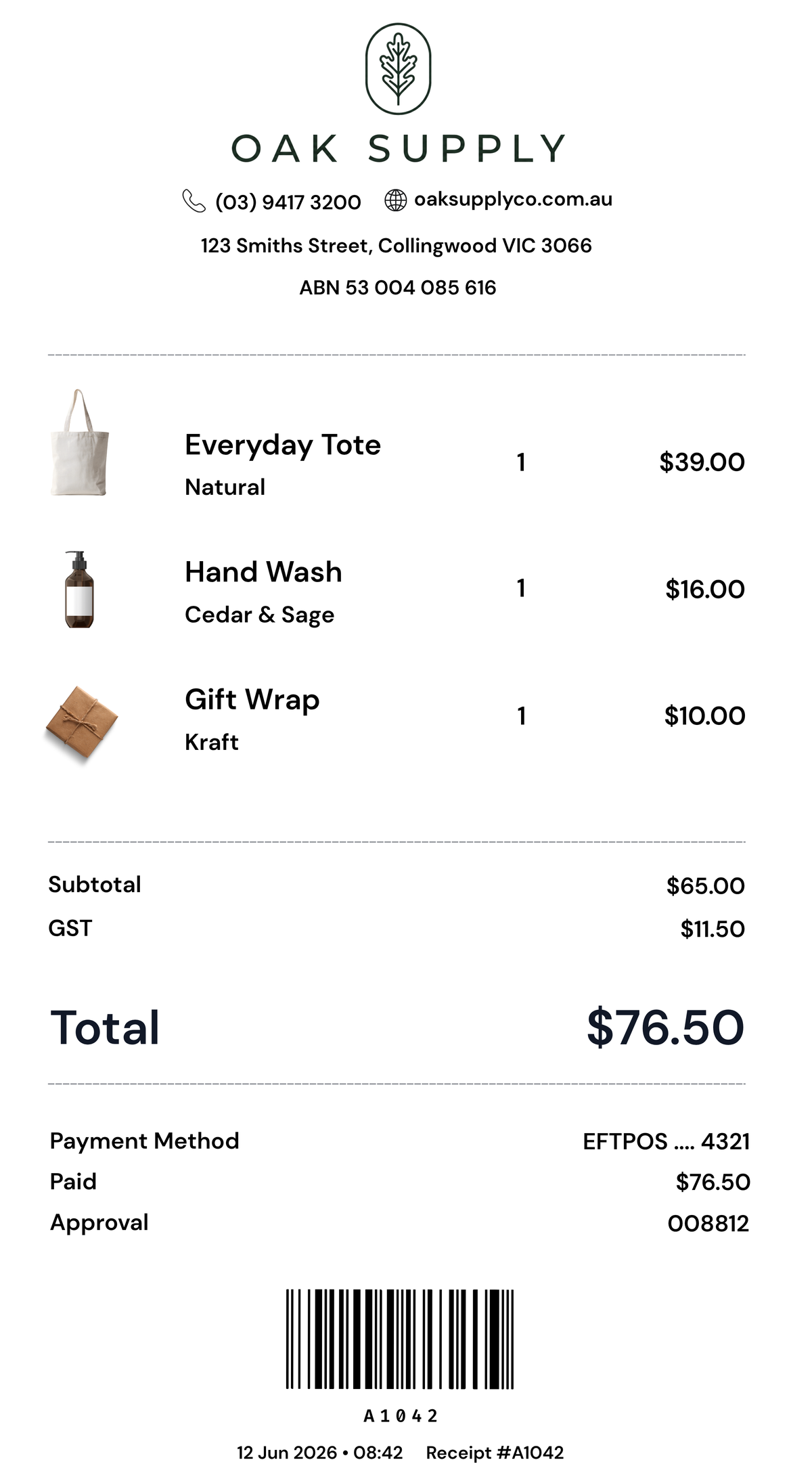

- Right after purchase
- One clear next step
- You choose the destination
Review routing is configured by the merchant.
From receipt to review in one tap.
The request appears after the sale, without changing the checkout or asking staff to remember another step.
Complete the sale
Your team finishes the transaction the same way they do now.
Customer taps
The digital receipt opens on their phone.
Receipt asks
The customer chooses whether to leave a review or feedback.
The prompt is yours.
Choose what customers see and where each response should go.
Choose the review page customers are sent to.
Set a private feedback or contact destination where appropriate.
Write the prompt in your own voice.
Position the review action inside the receipt.
Review outcomes depend on customer choice and the policies of the review platform. Receiptile does not guarantee review volume or ratings.
Put reviews inside the receipt.
Ask at the right moment, through a receipt the customer already wanted.