
Customise your receipts.
Add your branding, loyalty rewards, reviews, offers and links. Choose the sections you need and put them in the order you want.
Save and send
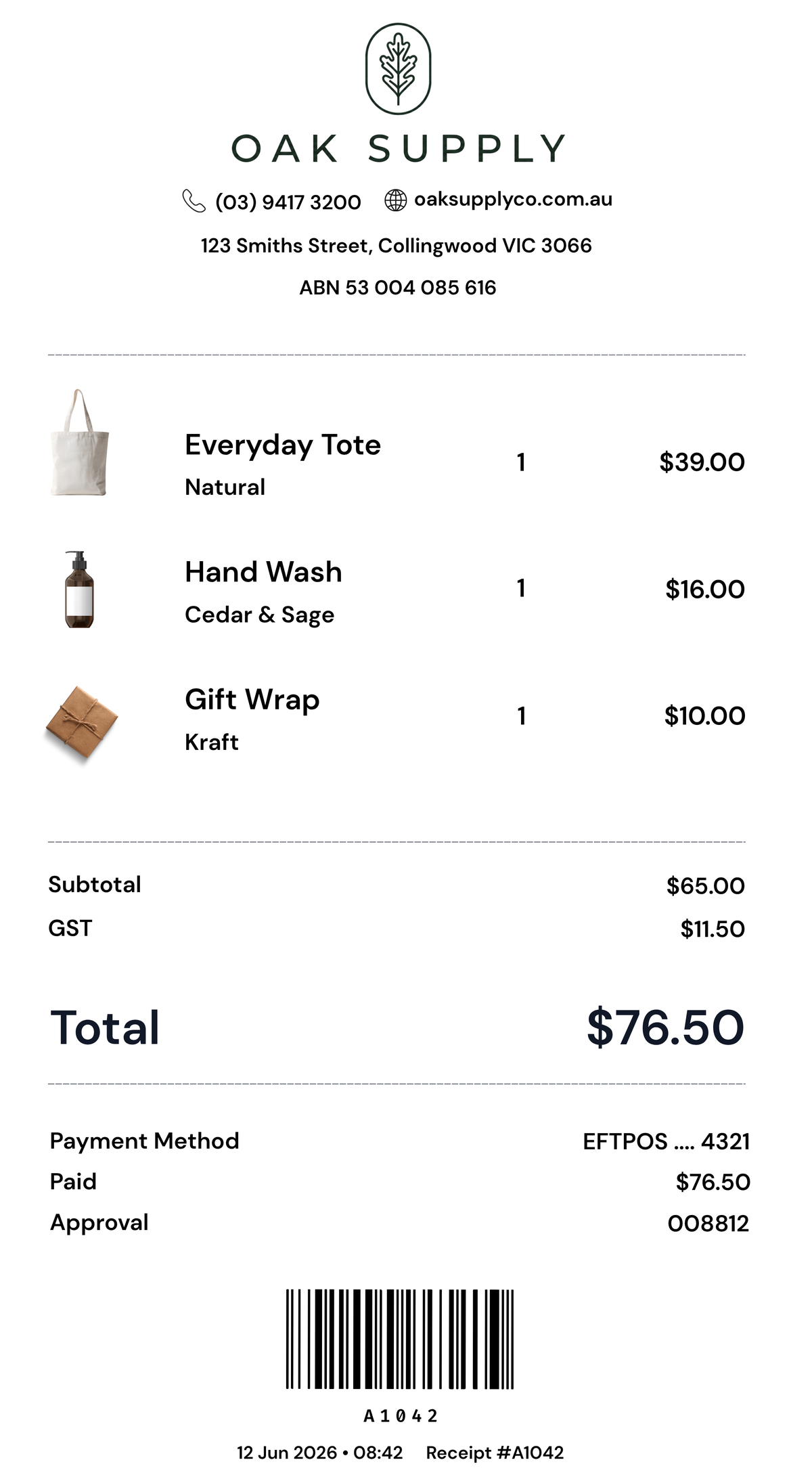
Give customers a receipt they can keep.
Customers can save a photo, download a PDF or send their receipt to an accounting tool. It’s there when they need it for a return or their records.
What you can change
Add your logo and business details. The items, prices and totals come from your POS.





Reviews
Make it easy to leave a review.
Add your Google review link so customers can share their experience after their visit. They can open it straight from the receipt.
What you can change
Write the invitation in your own words. Choose your review link and where the section sits.

Loyalty & rewards
Give customers a reason to return.
Offer stamp cards, points or member rewards. Customers sign in from their receipt, choose to join and keep track of their progress. When a reward is ready, they show a code for your team to check.
What you can change
Choose the rewards and rules. Add your logo, photo and colours so the card feels like your business. Your team confirms rewards at the till; POS discounts aren’t applied automatically.
Social links
Help customers find your socials.
Link to Instagram, Facebook, TikTok or the channels you use. Give customers a way to follow your business after they leave the store.
What you can change
Choose your social links, add your own photos and change the heading.
Customer sign-ups
Invite customers to join your list.
Give customers a place to sign up for your news and offers. They choose whether to share their details. Joining a loyalty program does not sign them up for marketing.
What you can change
Write your own sign-up message and explain what customers will get when they join.
Products, offers and events
Promote what’s happening in your business.
Feature a new product, a special offer or an upcoming event. Add a button that takes customers to the right page.
What you can change
Change the image, message and button link. A cafe could promote an event. A hardware store could feature new tools.
 OAK SUPPLY
Your brand
Make it look like your business.
Use your colours, images and words. Add your store details and website links so customers know where to find you.
What you can change
Create your own footer. You can also add custom HTML if you want to use a design you’ve made.
Use the sections you need.
Add, remove and reorder sections in the Receiptile app. Keep it simple or add more detail.
Change your design whenever you need to. New receipts use your saved design.
Your options depend on your POS. Image and PDF receipts stay as they are. You can add your content around them. Check your POS.
- Receipt details
- Save and send
- Reviews
- Social links and sign-ups
- Your products and offers
- Your branded footer
Get Receiptile for your business.
Receipt customisation is included with every plan.